SIRP Installation
SIRP is deployed on the Nocoly platform. Nocoly can be self-hosted or used as a cloud service.
Nocoly Self-Hosted vs. Cloud Service
Nocoly Cloud Service: Suitable for quick evaluation and small-scale testing.
- No need to maintain servers or infrastructure yourself.
- Data is stored on the Nocoly cloud.
- The free tier has feature limitations.
Nocoly Self-Hosted: Suitable for production deployment and large-scale testing.
- Minimum requirements: 8-core CPU, 32GB RAM, 50GB disk.
- Data is stored on local servers.
- Self-hosted deployment offers free access to Professional features.
For a detailed comparison, see: https://www.nocoly.com/pricing
Installing Nocoly (Self-Hosted)
Refer to the official installation guide
Common Issues
DockerCgroupDriveissuehttps://docs-pd.nocoly.com/deployment/env/?_highlight=dockercgroupdrive#dockercgroupdrive
ERROR: client version 1.25 is too old. Minimum supported API version is 1.44, please upgrade your client to a newer versionerrorModify the
service.shscript, replacing all XXX\docker-compose with docker compose (use the system docker compose to start)
Register a Nocoly Account (Cloud Service)
Visit the Nocoly official website and register: https://www.nocoly.com/
Download the SIRP Application
- Clone the ASP repository
git clone git@github.com:FunnyWolf/agentic-soc-platform.git- The SIRP application file is located at agentic-soc-platform/Docker/SIRP/SIRP.mdy
Install the SIRP Application (Cloud Service)
The free tier does not support application upgrades
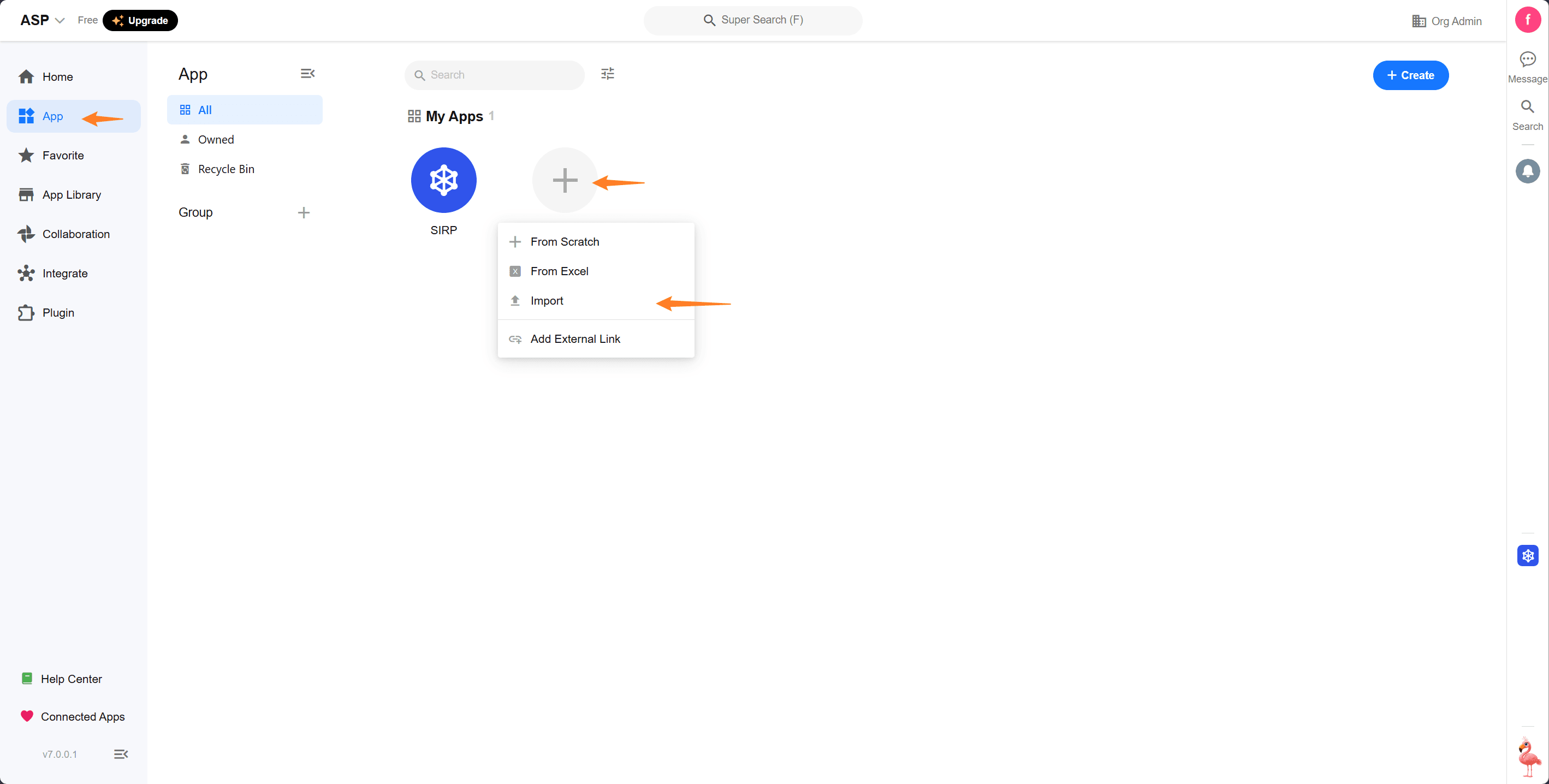
- Log in to the Nocoly platform, select
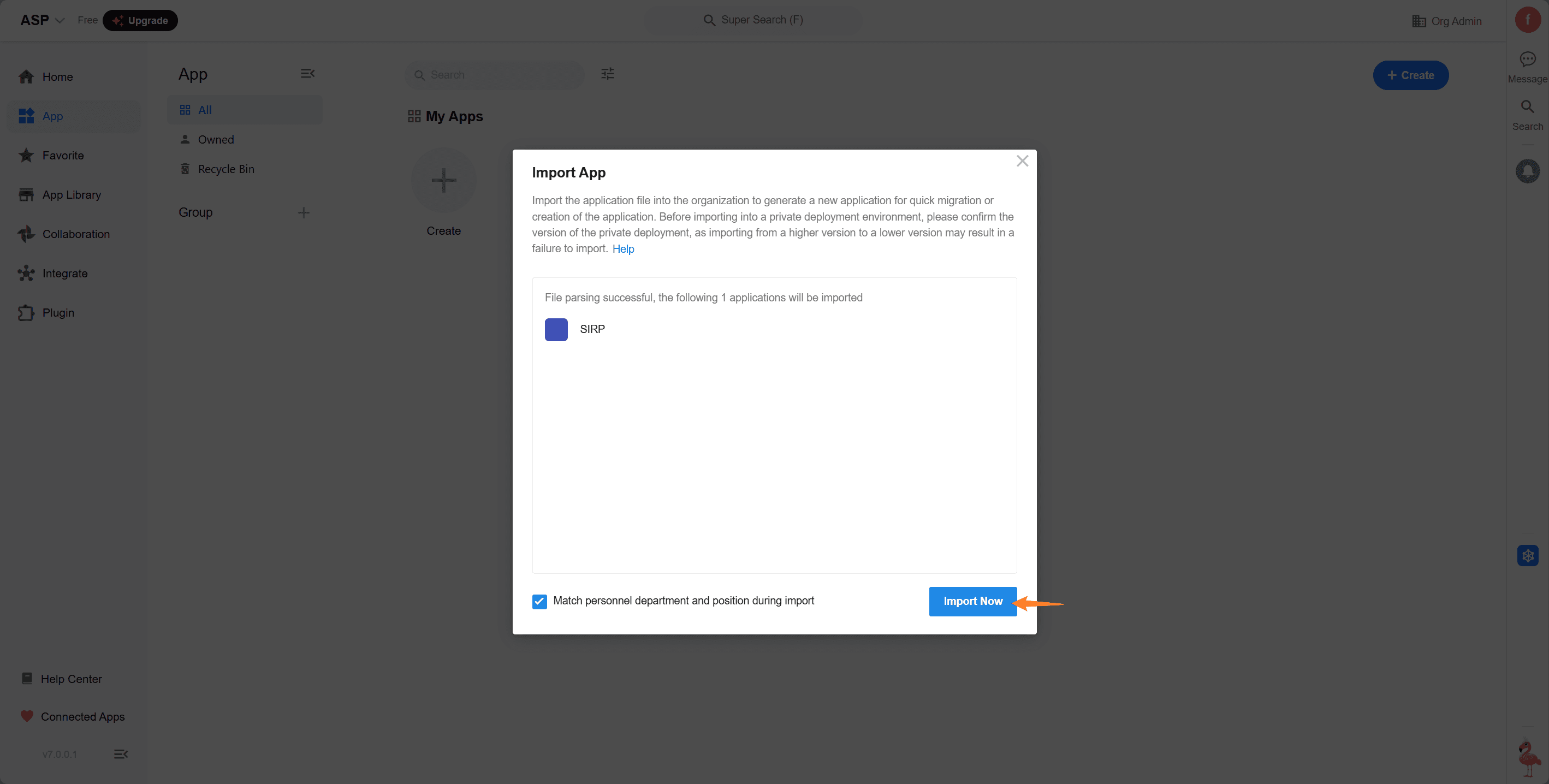
Apps->New App->Import, and choose the SIRP.mdy file to import.
Import the SIRP Application (Self-Hosted)
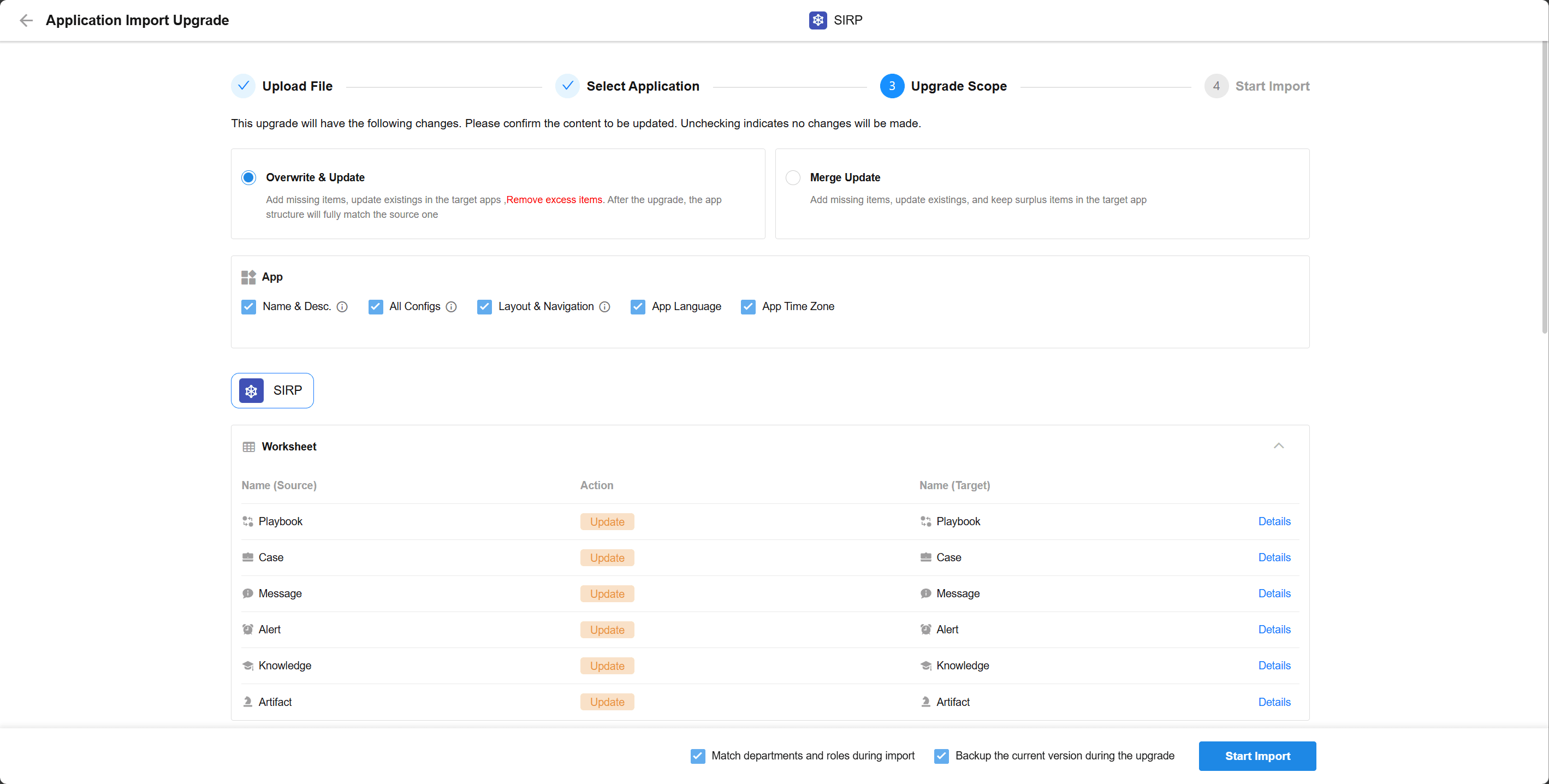
Self-hosted Professional edition is free and supports application upgrades
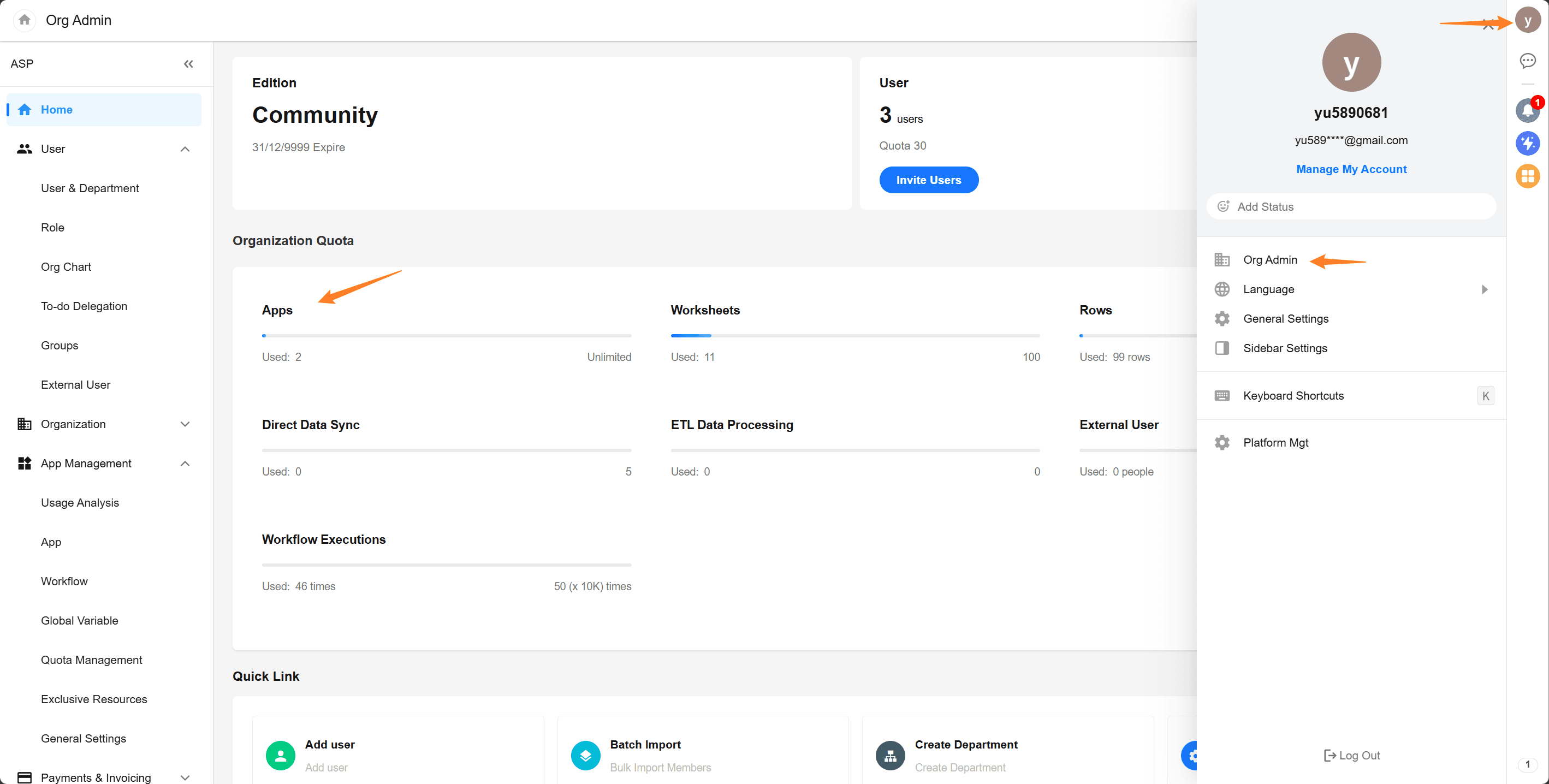
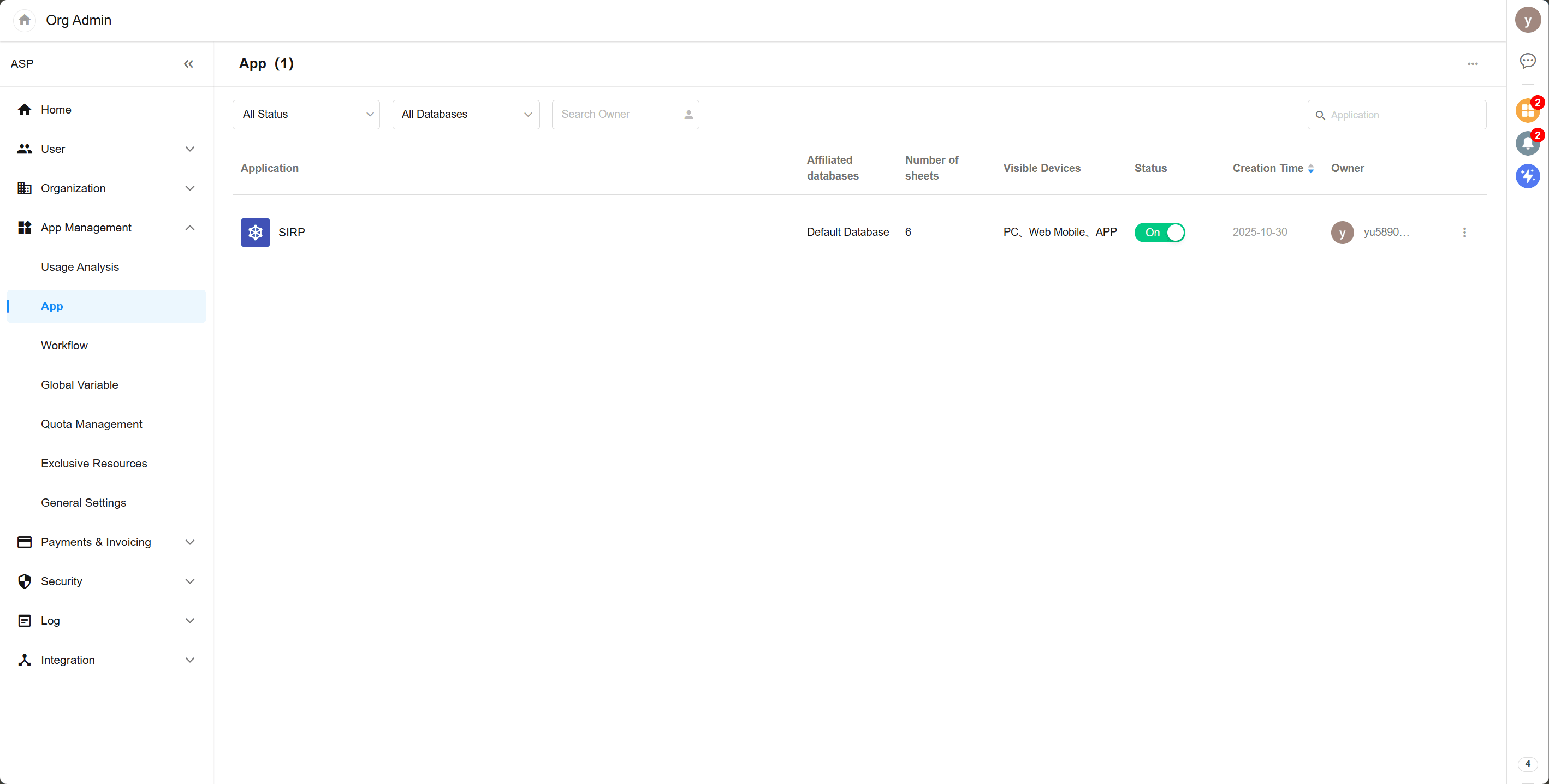
- Log in to the Nocoly self-hosted address, select
Organization Management->Apps, and choose the SIRP.mdy file to import.
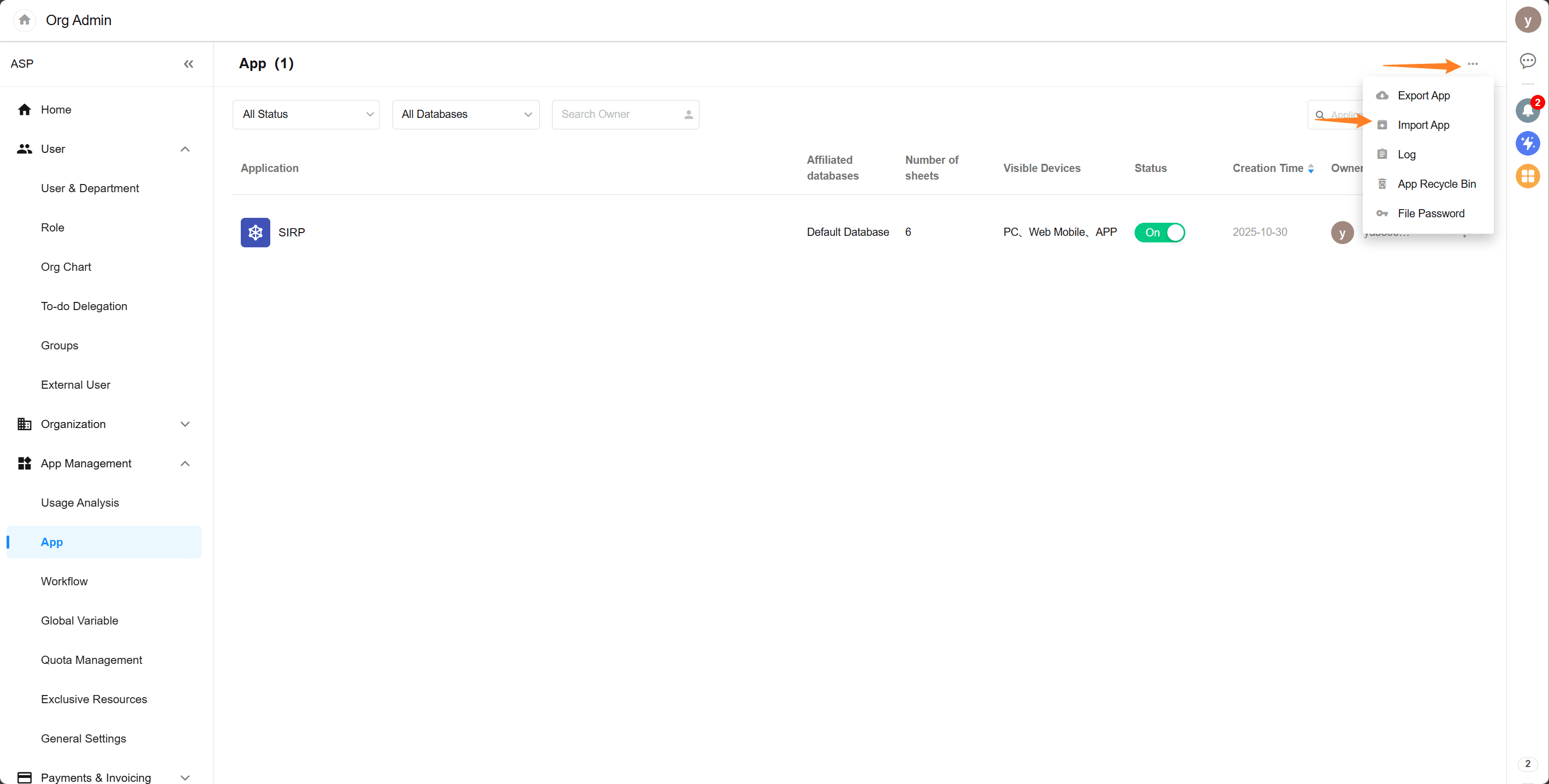
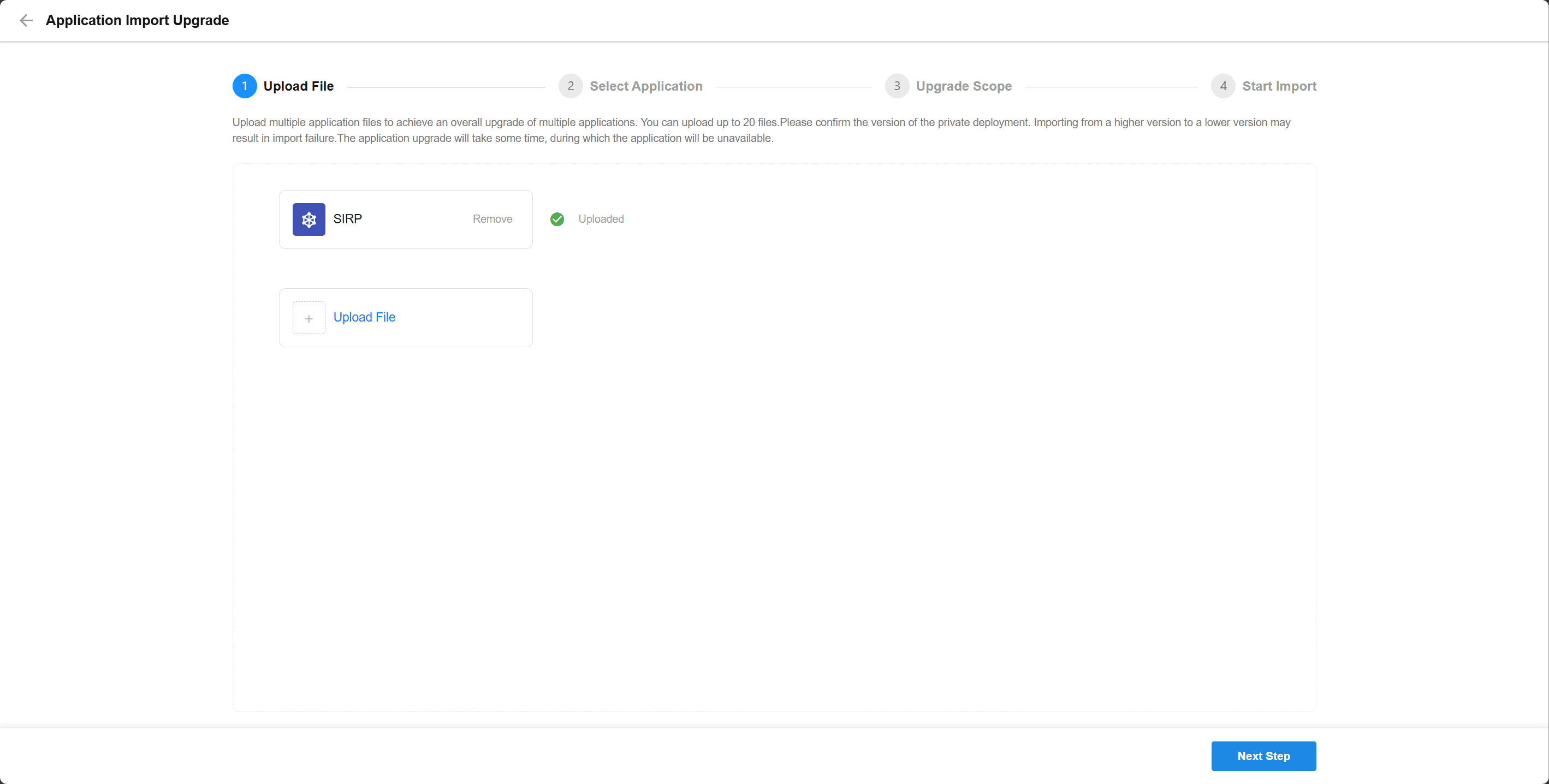
- Application upgrades are supported
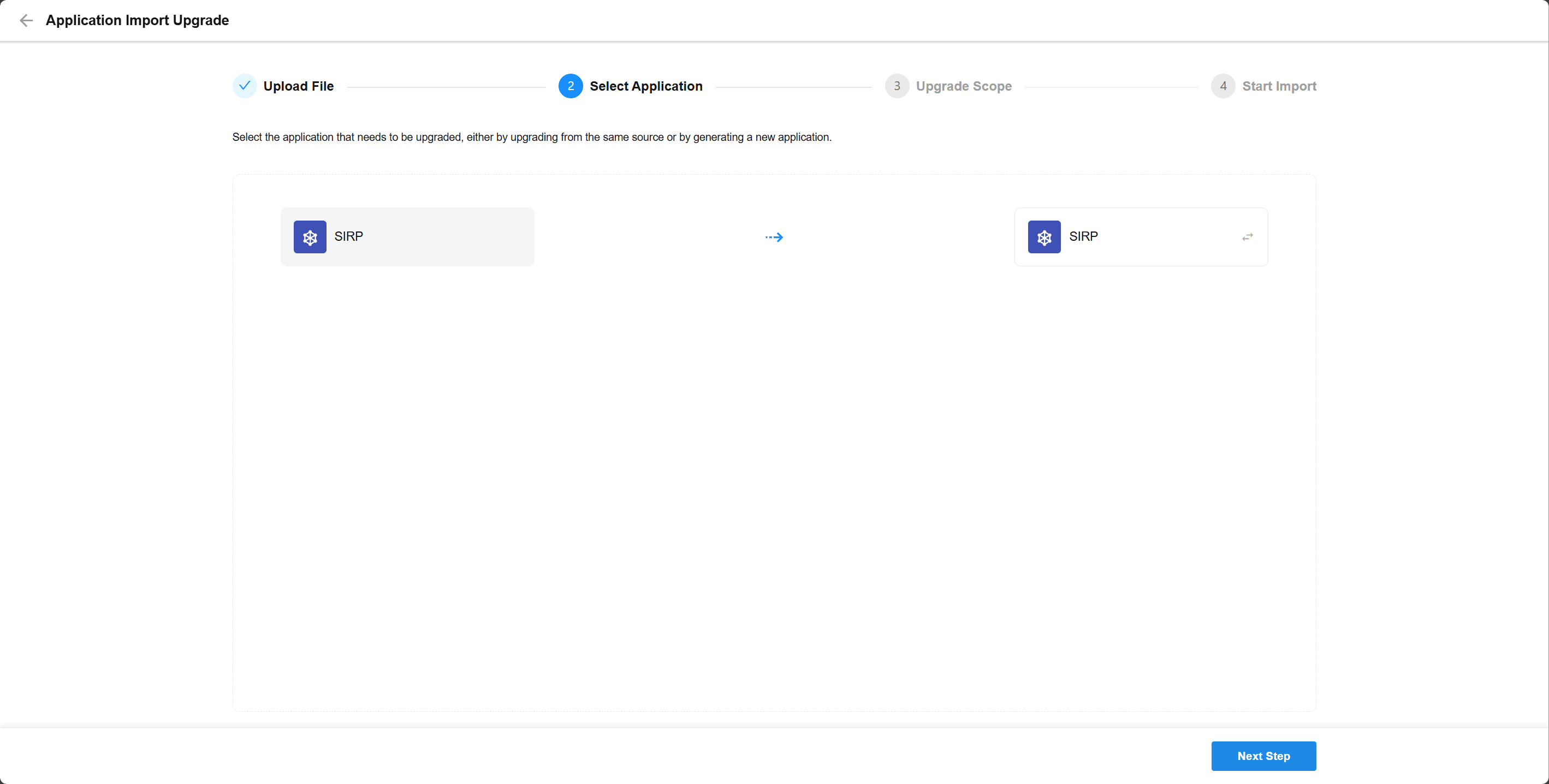
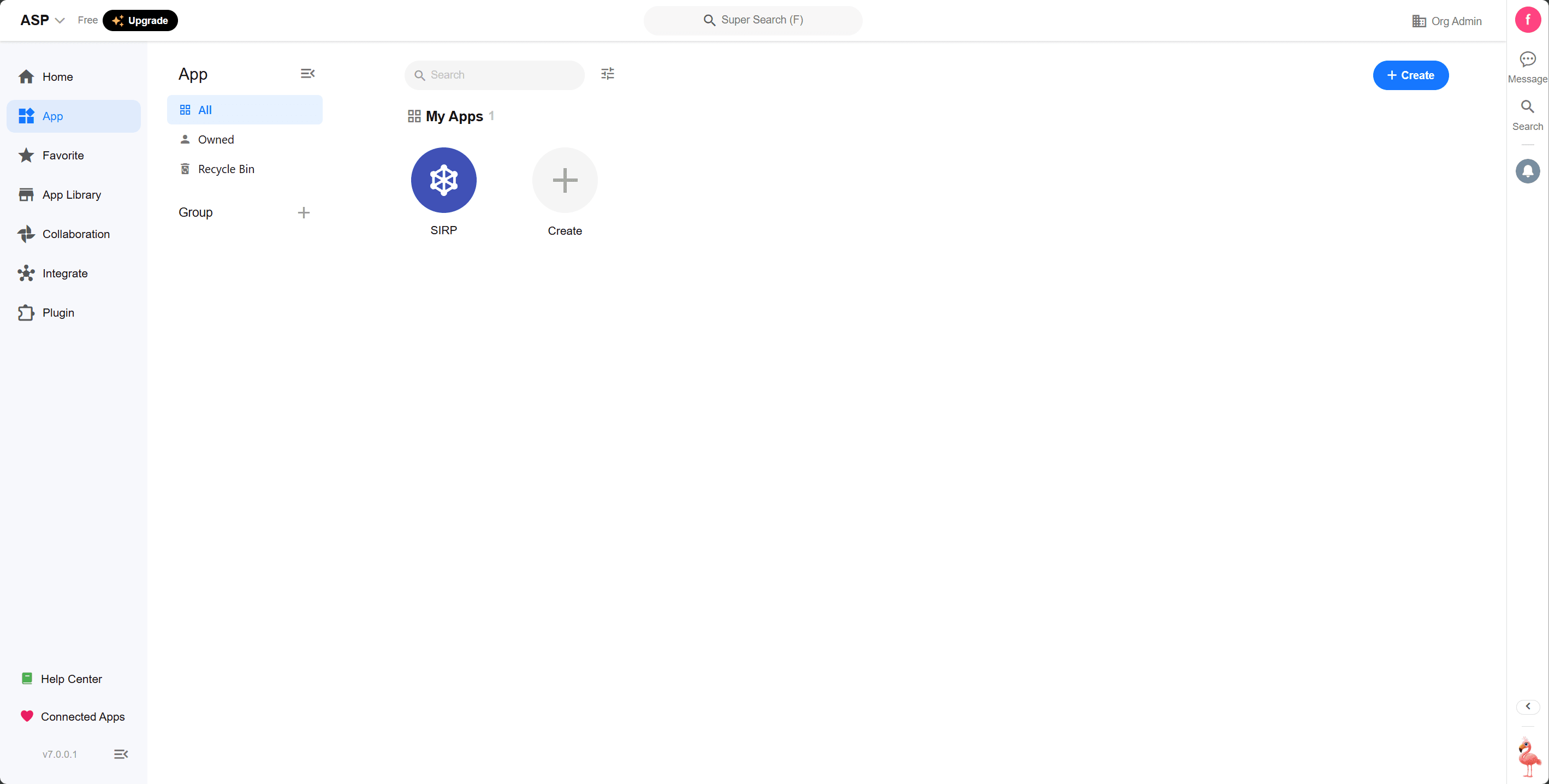
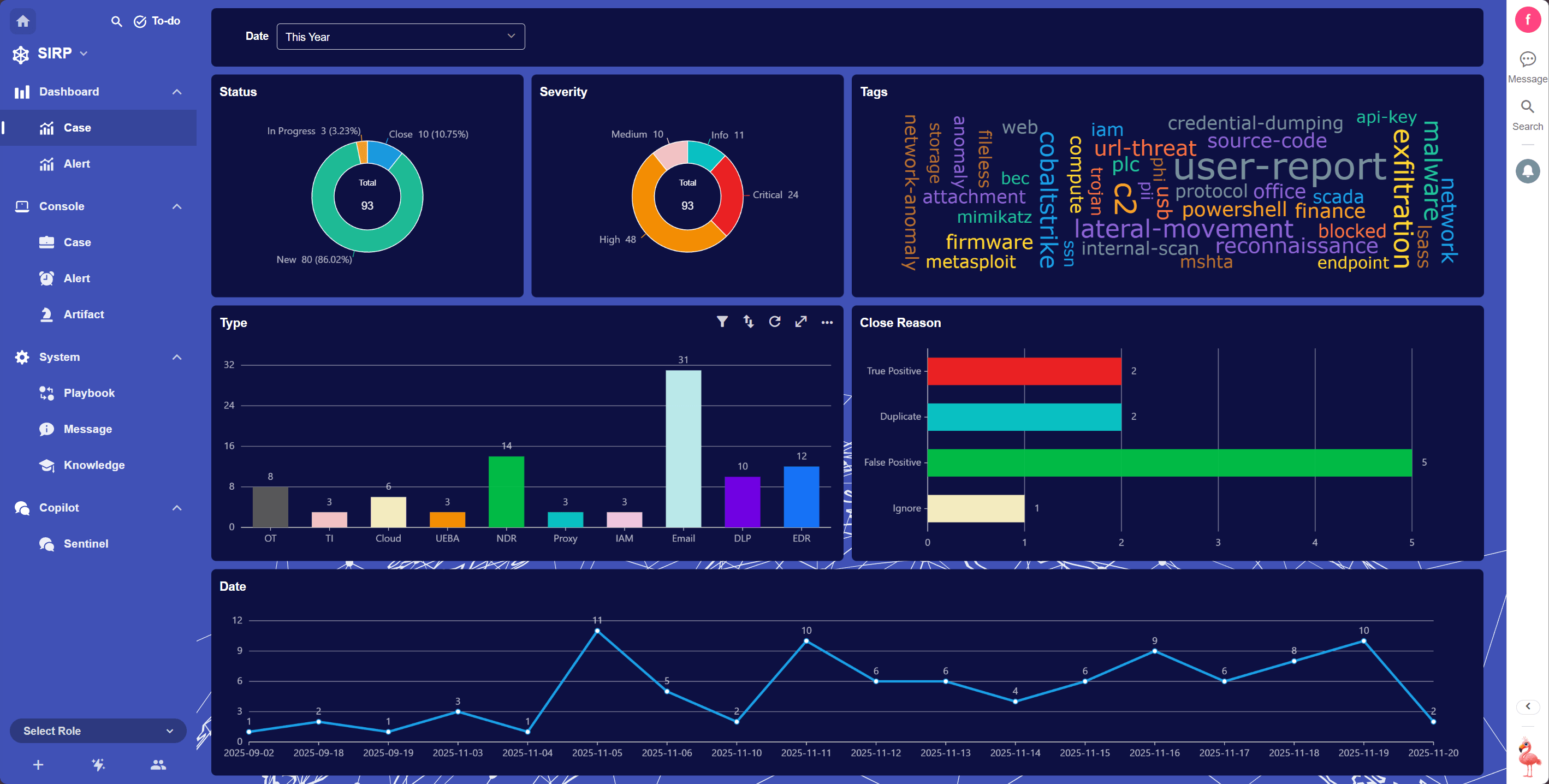
Open the SIRP Application
- After the import is complete, click
SIRPto open the application.