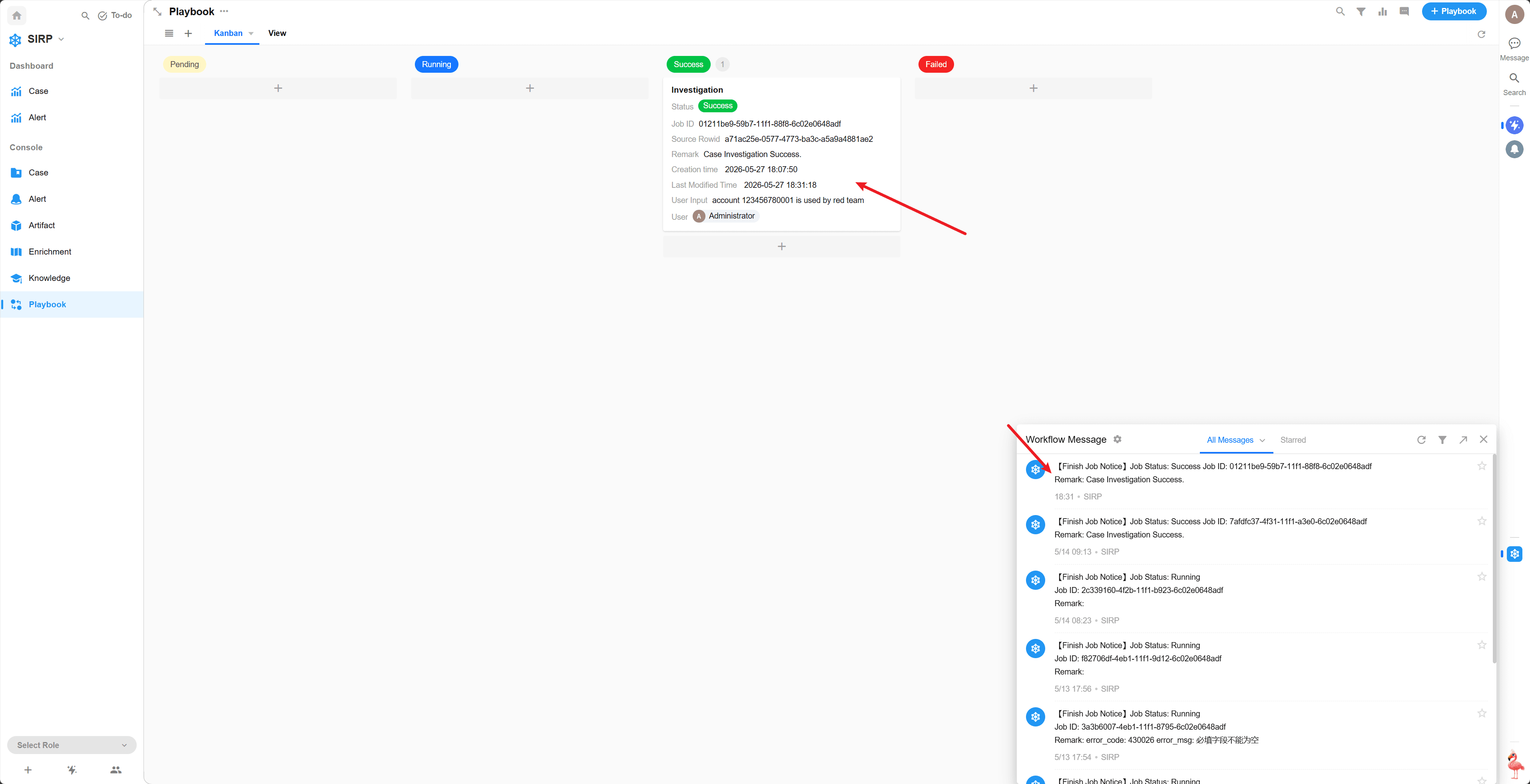
Playbook
Automated playbook records associated with Alerts, Cases, and Artifacts.
Kanban / View
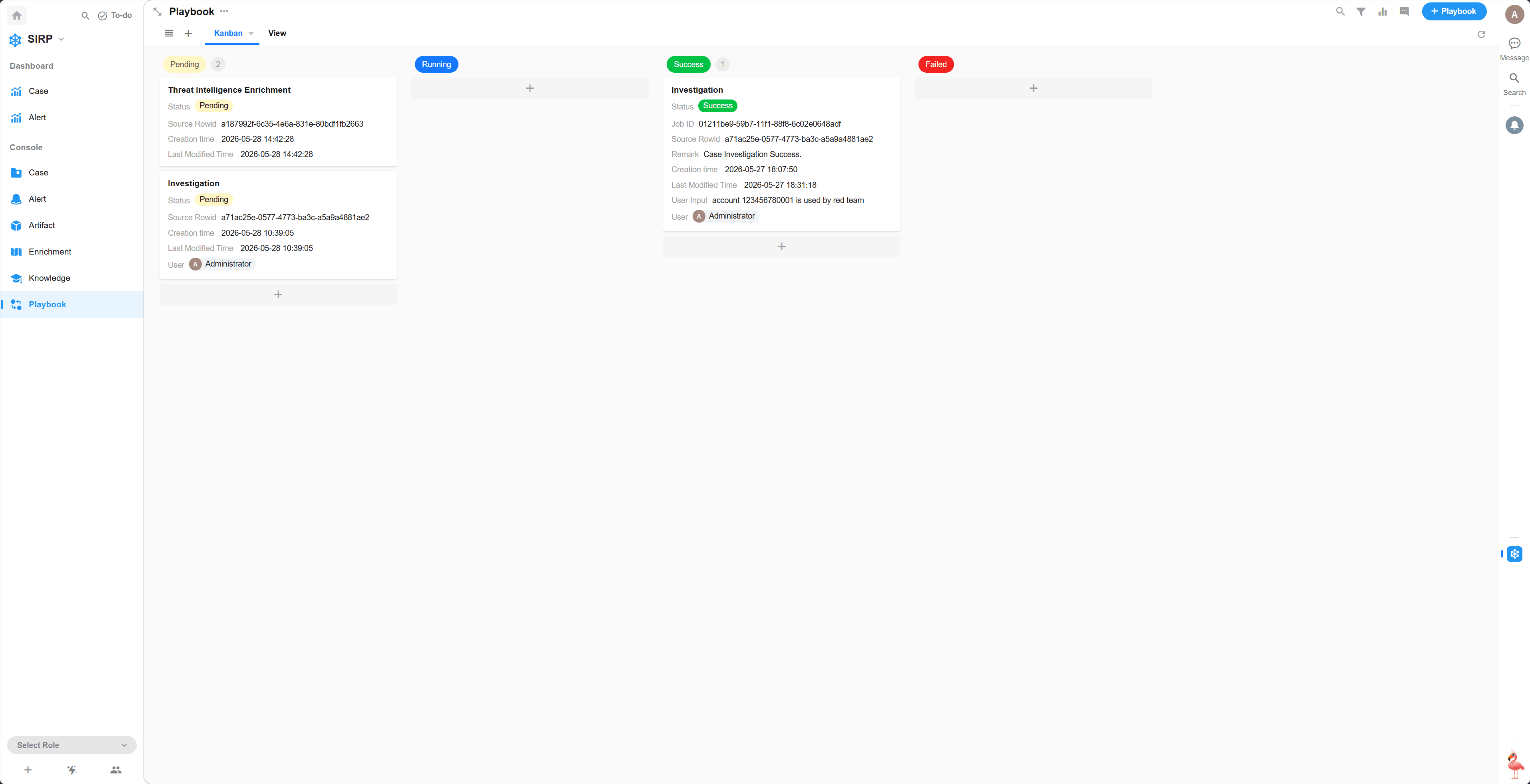
Detail
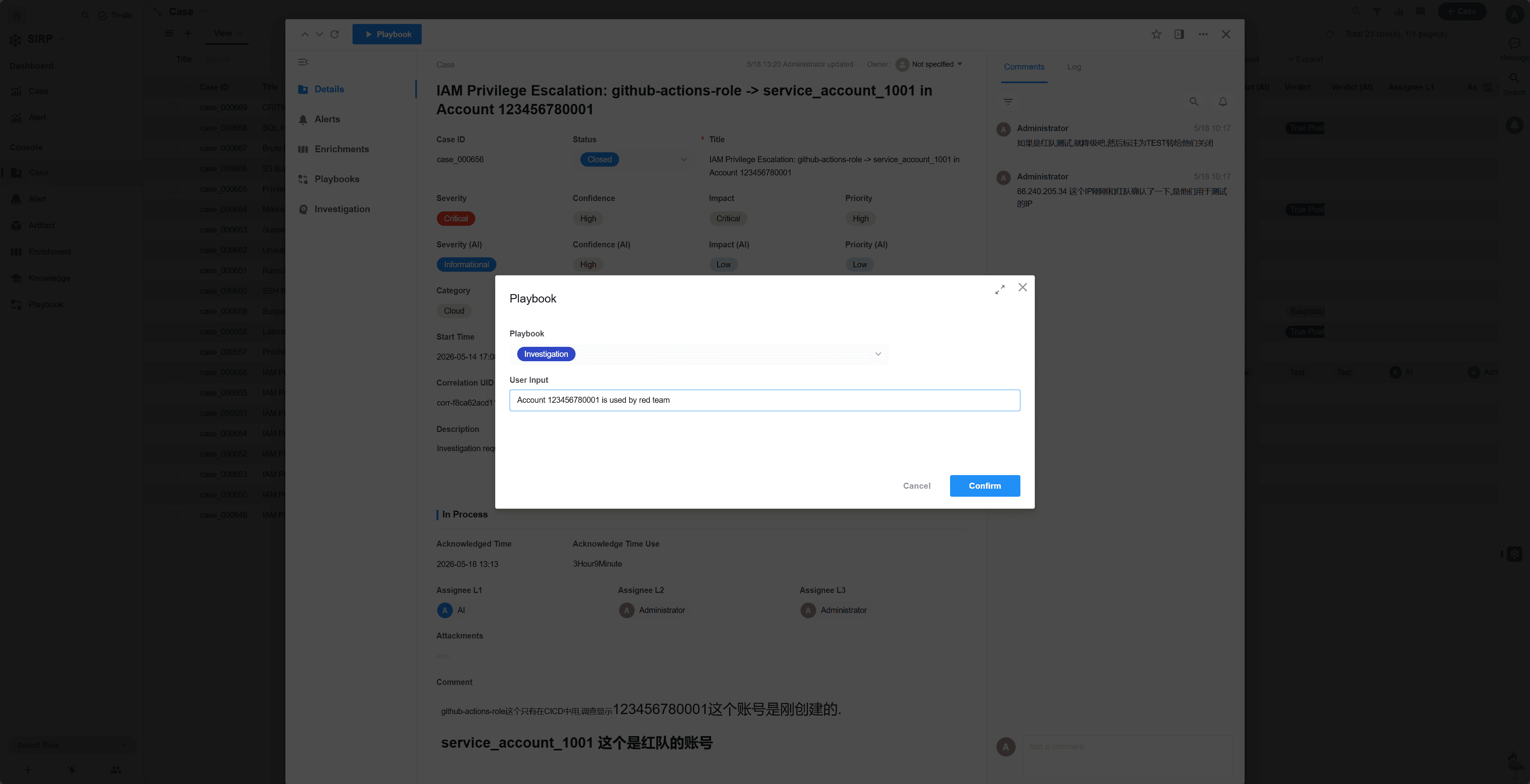
Select a Case to open the detail page, then click the
Playbookbutton in the upper left corner.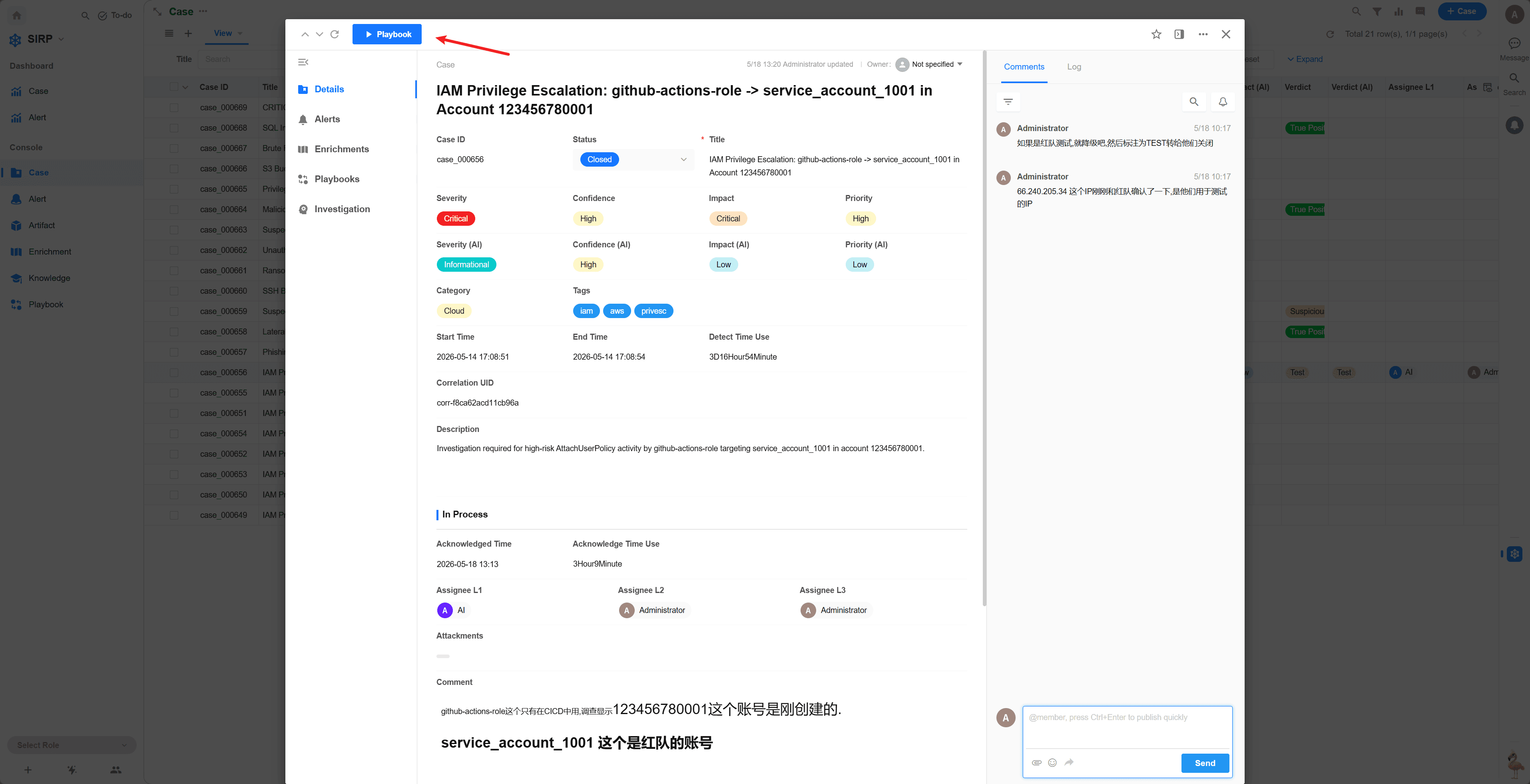
Select the Playbook to execute and click the
Confirmbutton. If there are additional requirements, you can describe them in natural language in the User Input field, which the LLM will reference during analysis.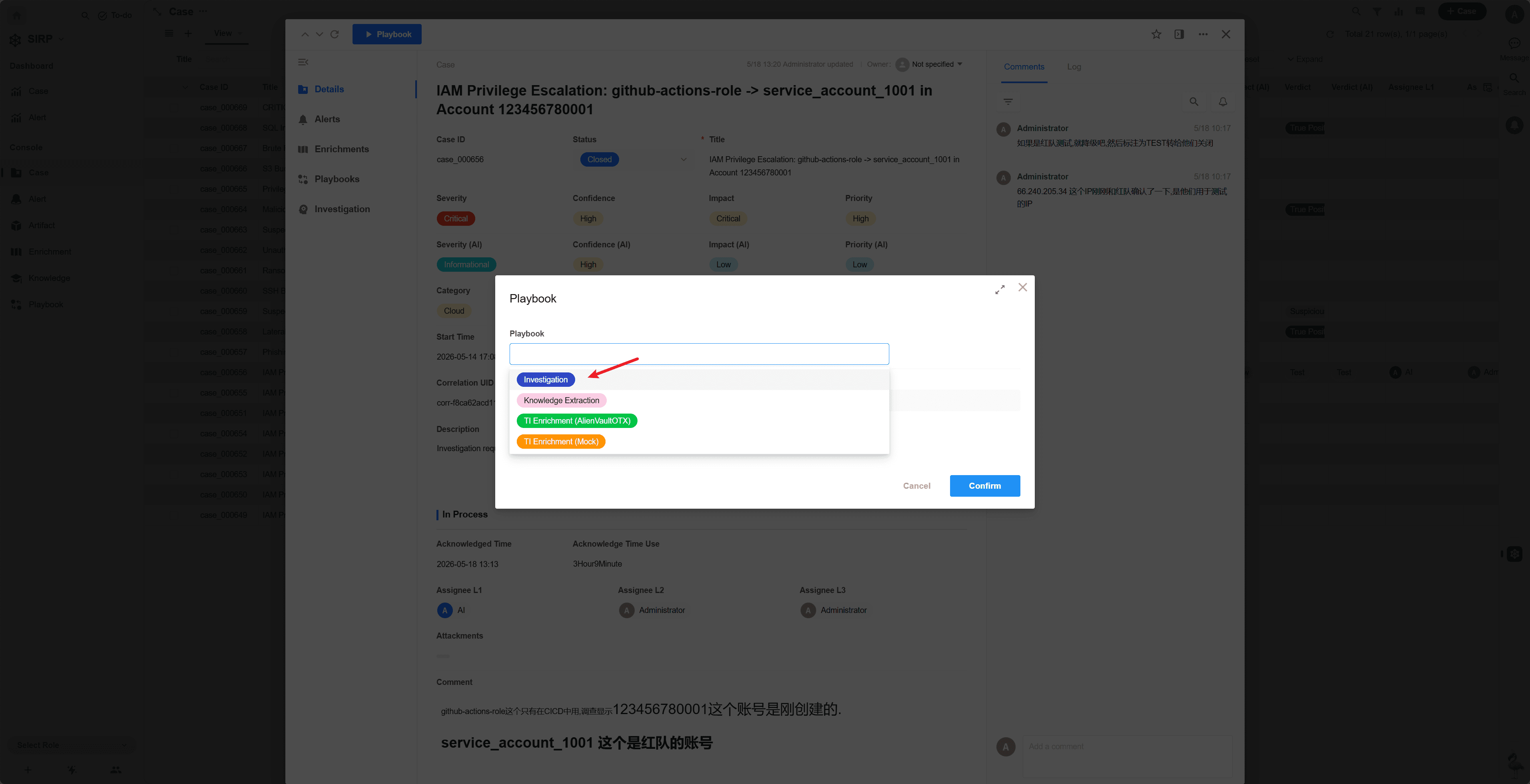
The task initial status is
Pending, waiting for scheduled execution.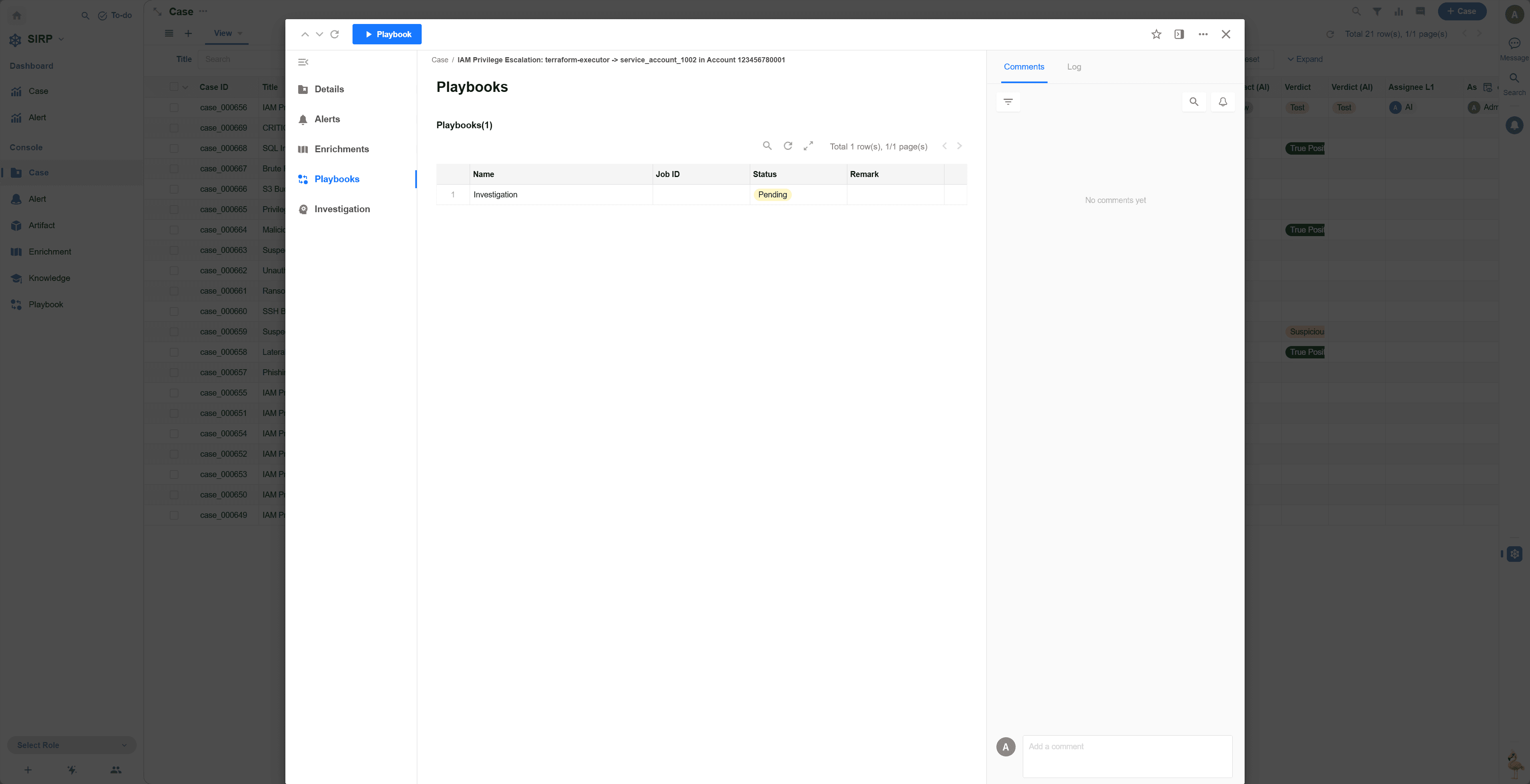
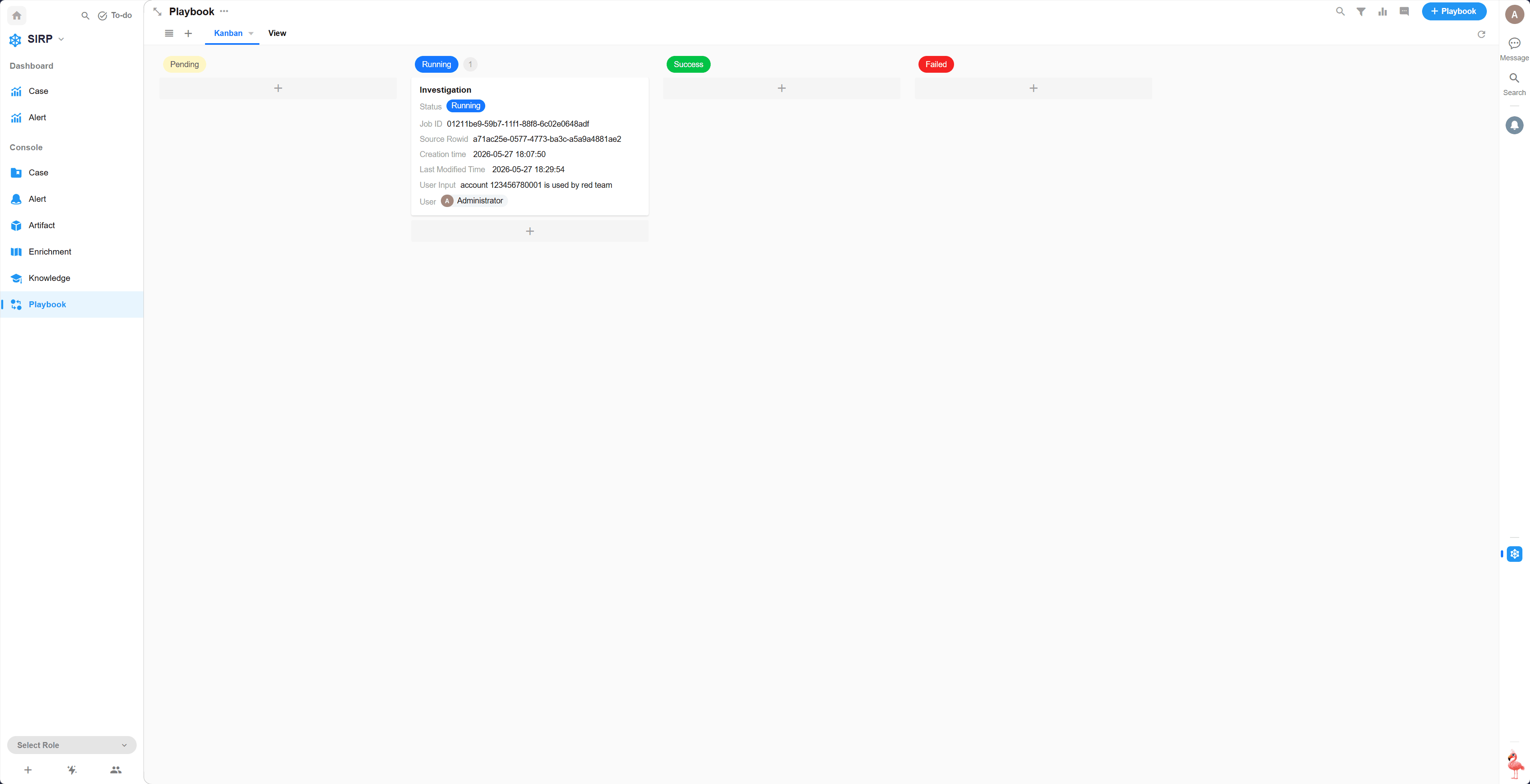
During task execution, the status is
Running.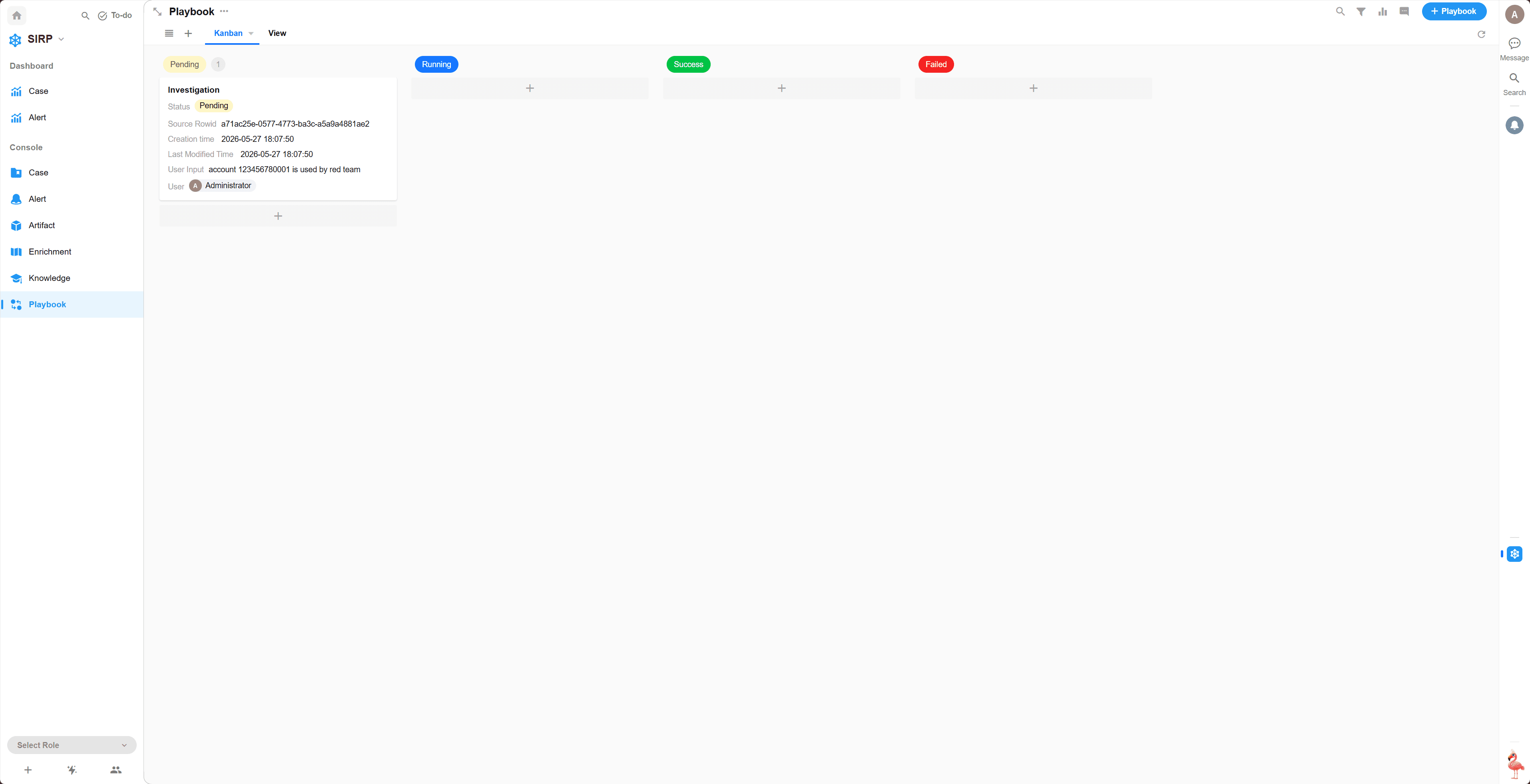
After task execution completes, the status is
SuccessorFailed. Click the task record to view execution details.