
First Login
ASP supports Platform account and LDAP account login. The login page provides Platform / LDAP switching.
Login Page
After opening the ASP access URL, you will enter the login page. Select Platform to log in with a Platform account, select LDAP to log in with enterprise LDAP credentials.
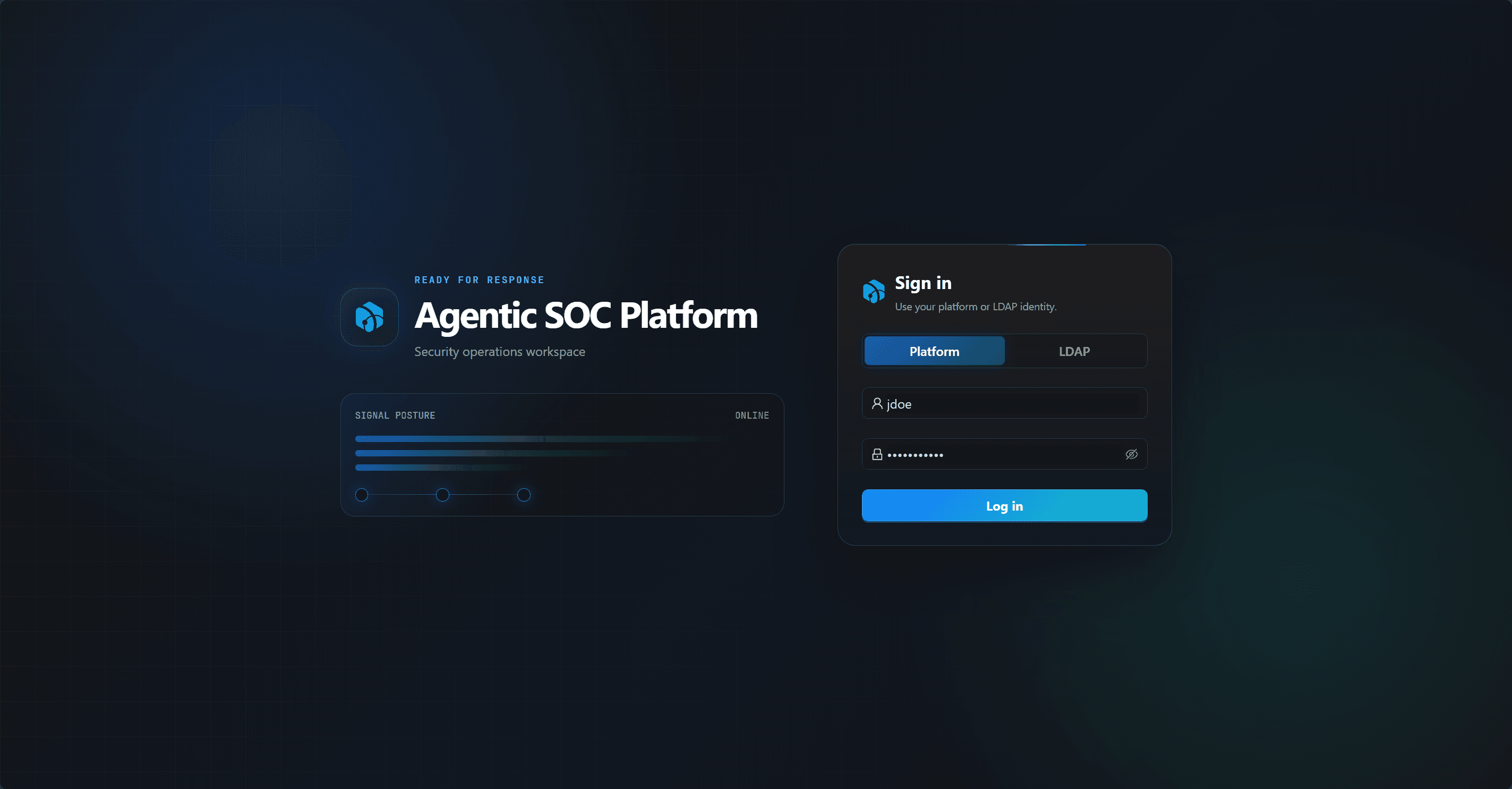
Platform Account
Platform accounts are managed by the Django user system. If an administrator was not created during deployment, run:
docker compose exec asp-web python manage.py createsuperuserThe created admin is a Django superuser, use Platform on the login page to log in.
For more details on admin account maintenance, see User Management.
User Management
After logging in with the admin account, go to the User Management page in system settings to create regular users or read-only users.
| Role | Description |
|---|---|
| admin | Django superuser, can access system settings. |
| user | Can create, update, and delete business resources. |
| viewer | Read-only user. |
Web UI can only create and assign user / viewer, cannot create admin.
LDAP Account
LDAP login requires first enabling and configuring LDAP in system settings, and using the test function to confirm connection and account query are available.
LDAP does not automatically create ASP users. The admin needs to first create an ASP user with Authentication Type set to LDAP, then the user can select LDAP on the login page and log in with LDAP password.
Platform users cannot log in via LDAP, and LDAP users cannot log in via Platform password.
Login Failure Troubleshooting
| Symptom | Check |
|---|---|
| Invalid credentials | Confirm username, password, and Platform / LDAP selection match. |
| LDAP user cannot log in | Confirm the same-name LDAP user exists in ASP, LDAP settings are enabled and tested. |
| Platform user cannot log in | Confirm Platform is selected and the account is not disabled. |
| Admin cannot access system settings | Confirm the account is a Django superuser. |
Next Steps
- System Settings — Configure LLM, SIEM, Threat Intelligence, and Runtime.
- User Management — Create team member accounts.
- Personal Center — Maintain your profile and create API Keys when needed.